Volvo D13 & Mack MP8 Engines Inlet NOx Sensor Replacement: Step by Step Guide
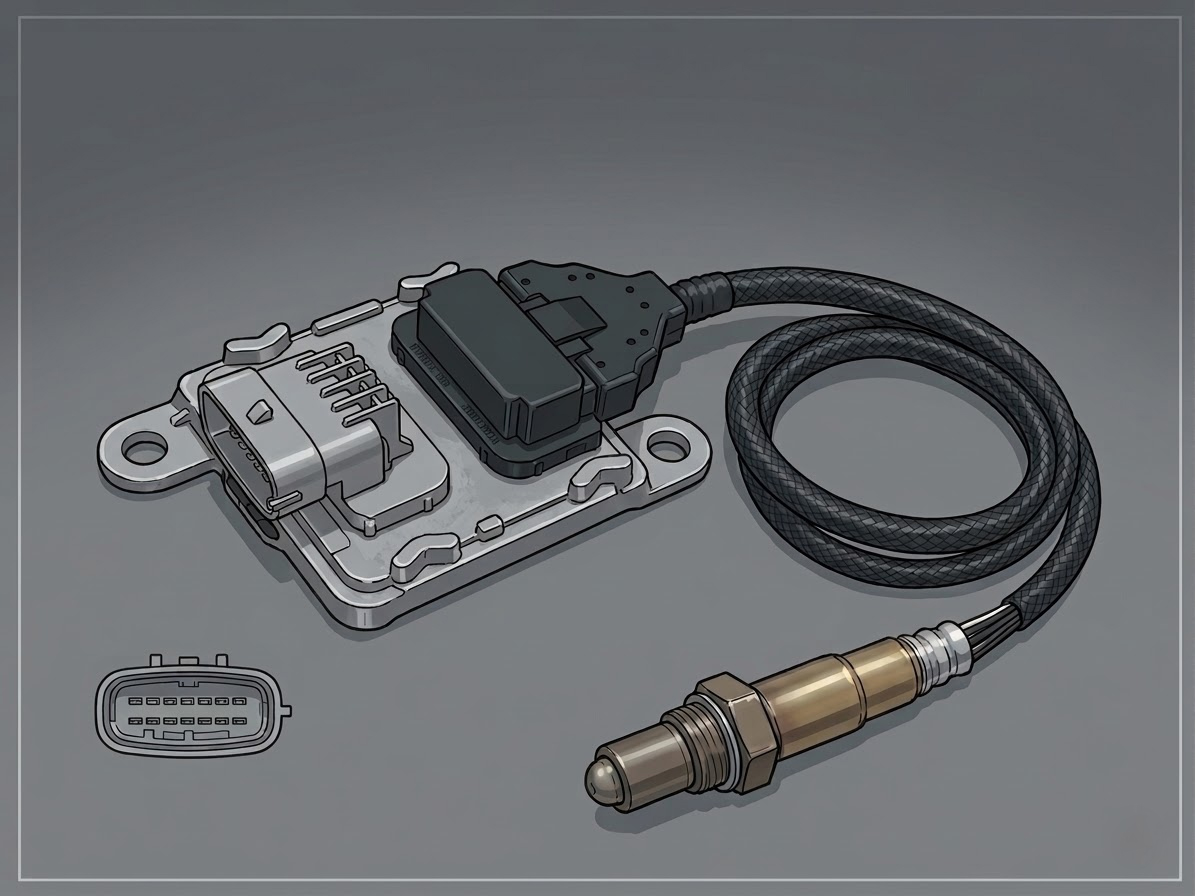
This is a comprehensive guide on how to replace or delete the Inlet NOx sensor on Volvo D13 and Mack MP8 trucks. It outlines the step-by-step process, lists the tools needed, and describes how to help the DPF and emissions systems operate properly after the installation.
In this article, we’ll give you a detailed, step-by-step guide on how to replace or delete the Inlet NOx Sensor from the trucks having Volvo D13 and Mack MP8 Engines.
There is a couple of instruments You can use to execute this procedure:
socket
wrench
wire cutter
Remove the side Fairing Panel of the Truck. (See Figure 1)

Figure 1
Disconnect the NOx sensor module connector by pressing on the tab to get the connector out. (See Figure 2)
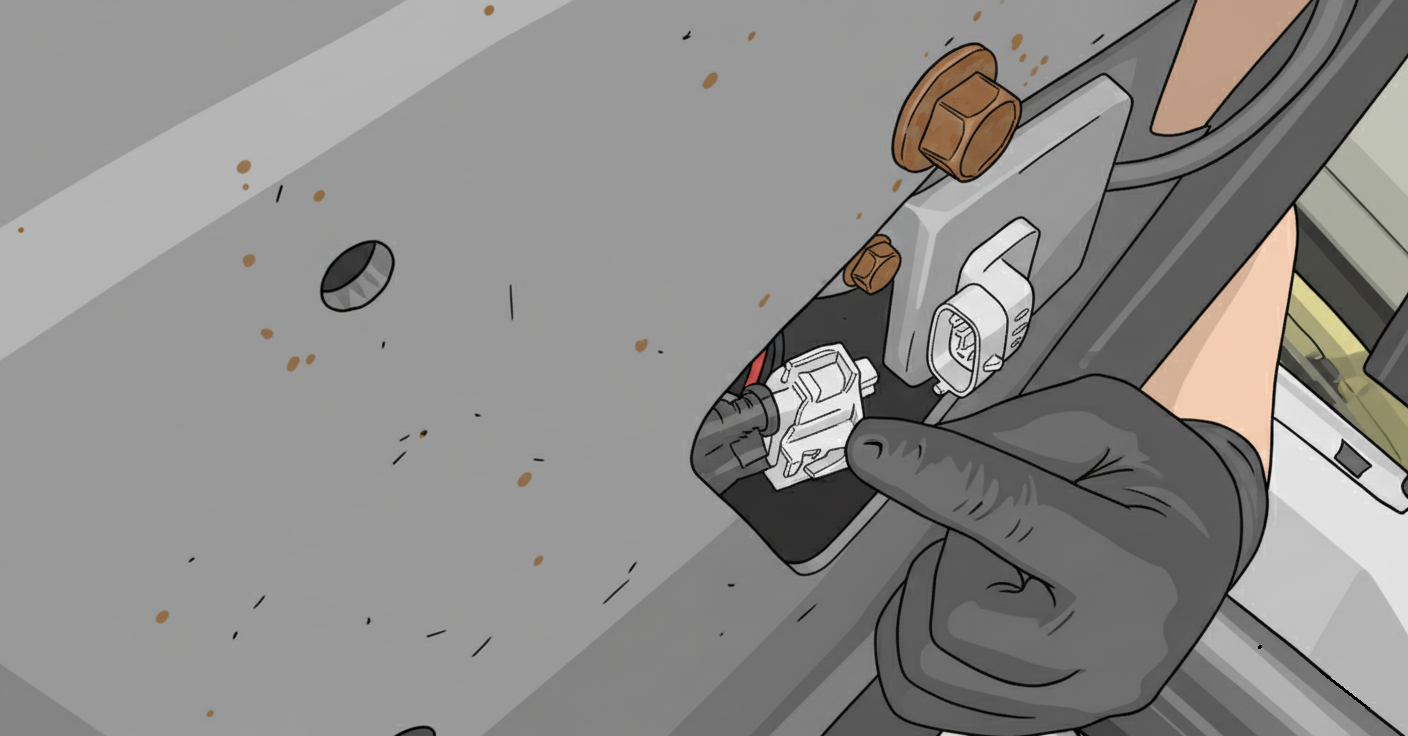
Figure 2
Using the socket, remove the module mounting bolts located behind the inner fender. (See Figure 3 and 4)
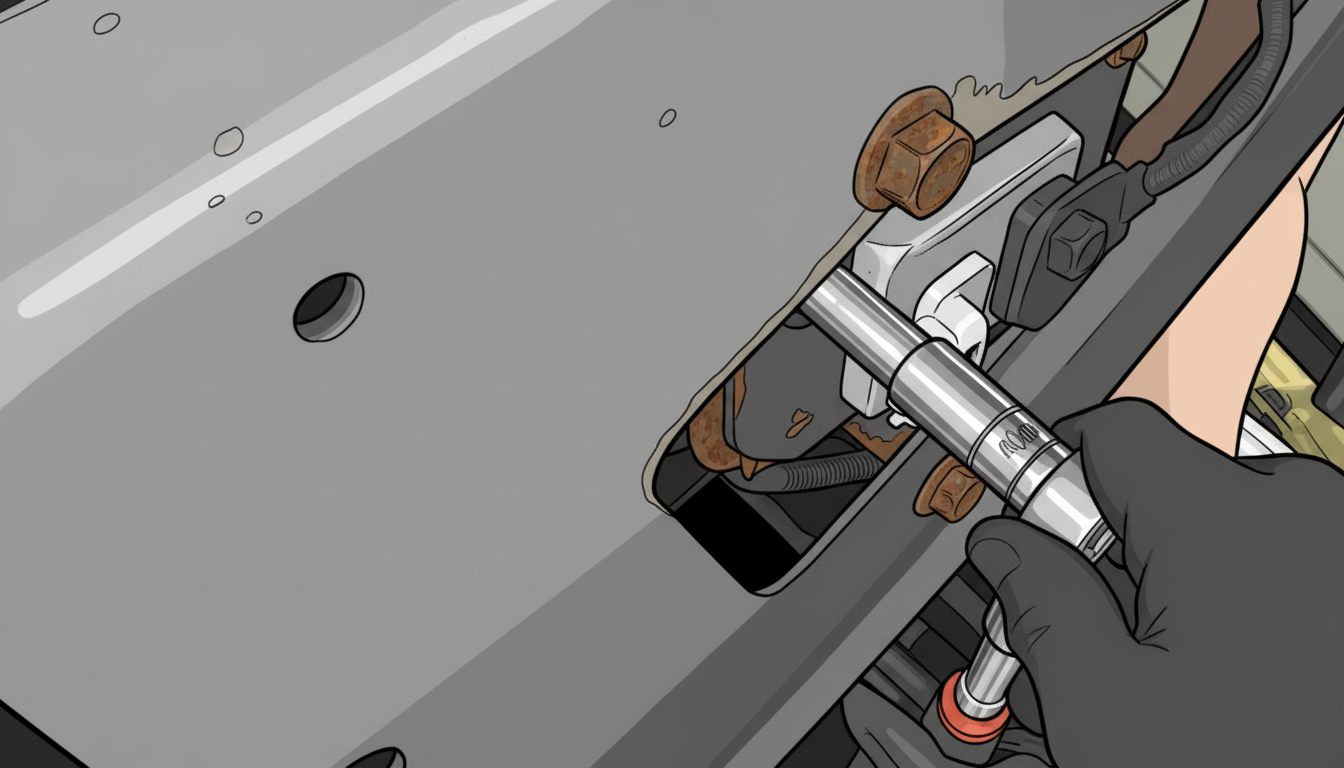
Figure 3
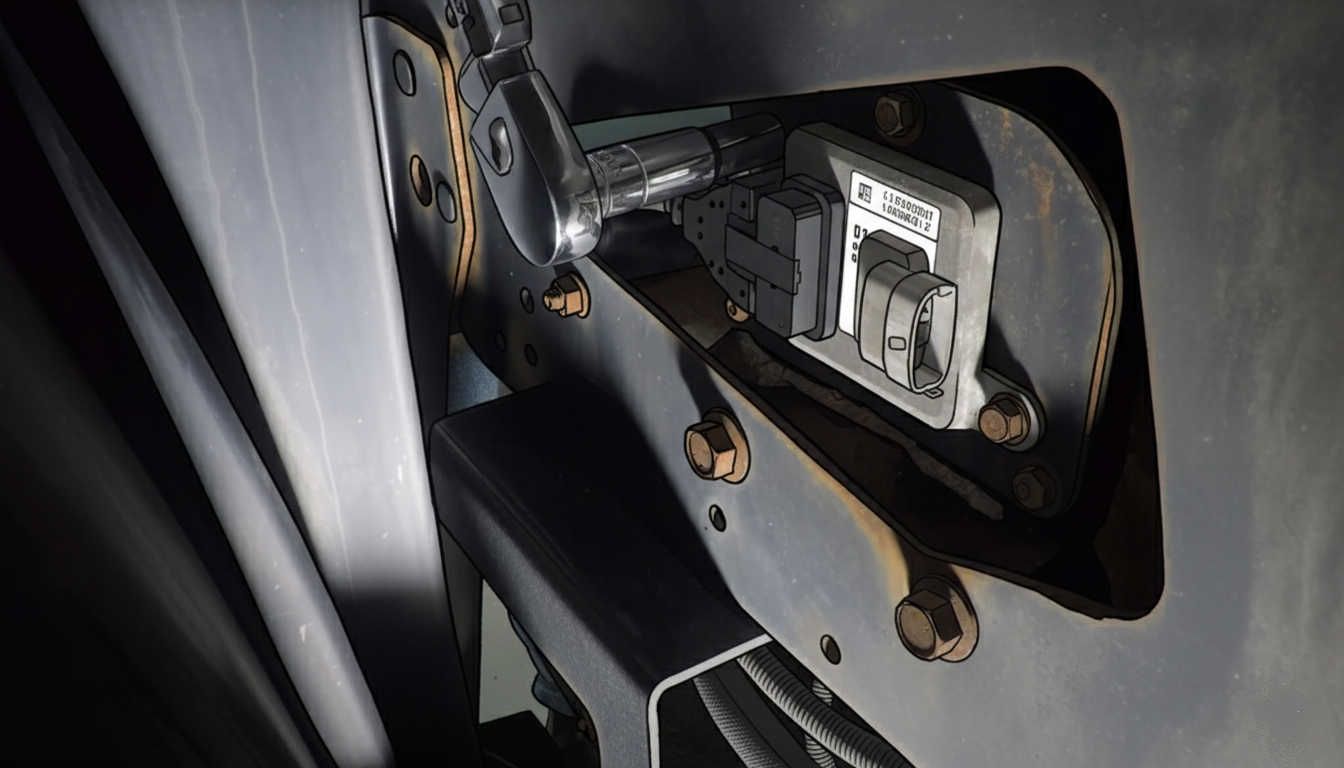
Figure 4
Cut the NOx sensor wire ties. (See Figure 5)
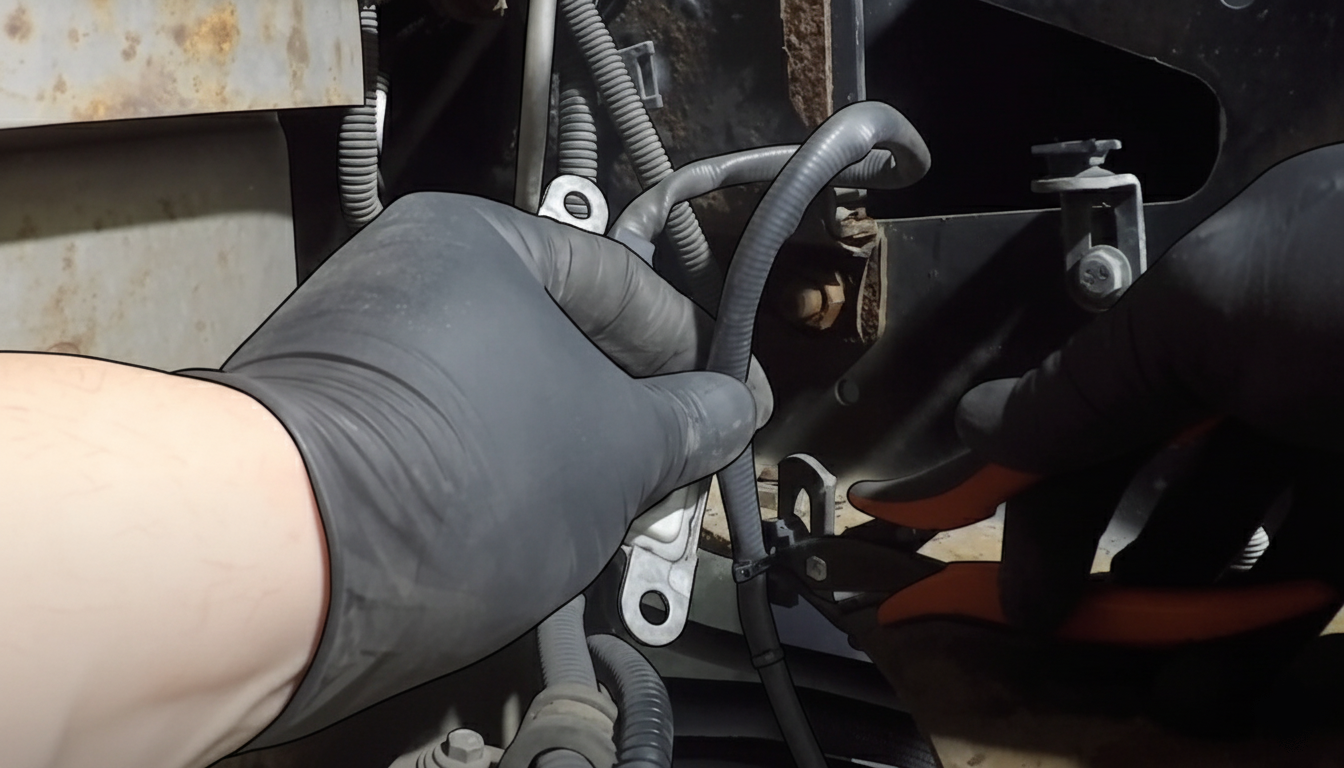
Figure 5
Remove the NOx sensor from the DPF Filter by means of a wrench. (See Figure 6)
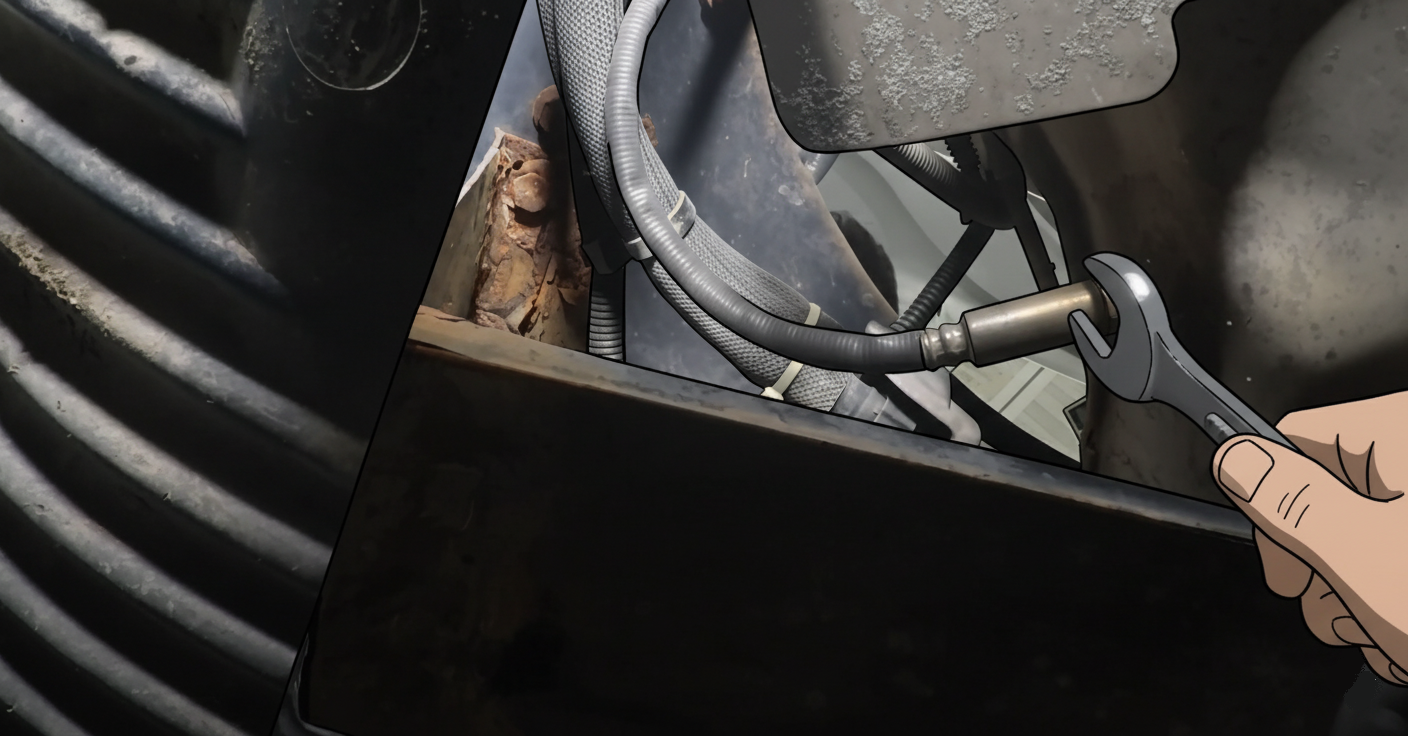
Figure 6
Install the new NOx sensor on to DPF filter and tighten it.
Mount the NOx sensor module and connect the electrical connector. (See Figure 7)
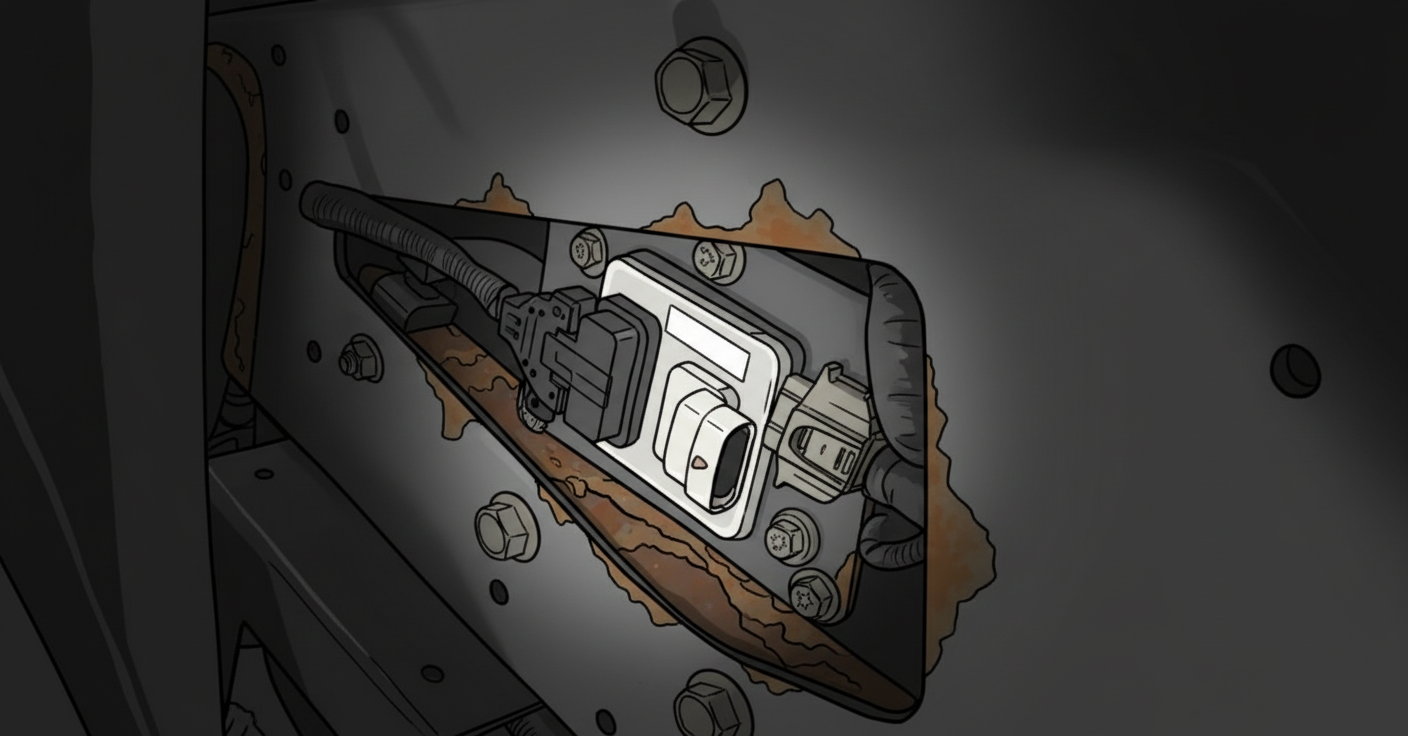
Figure 7
Slightly pull back on the connector to make sure it is securely connected.
Using zipties secure the NOx sensor wire to the mounting tabs.
Make sure the NOx sensor wires will not rub on any sharp objects or touch the hot exhaust.
Install the trucks fairing panel back. (See Figure 8)
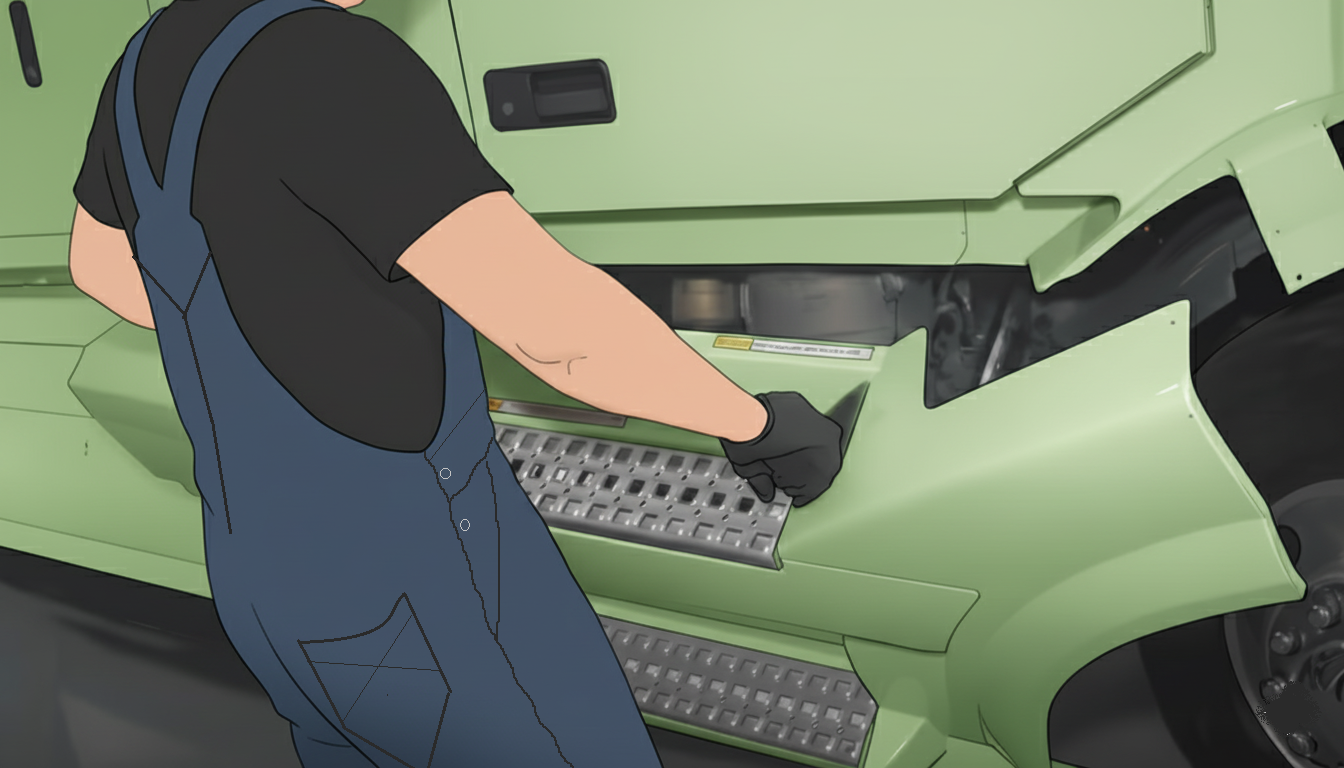
Figure 8